

The order is entered once. Everything else is automated.
SupplyMe connects with inventory software — both restaurants and suppliers. What the client orders, the supplier receives as a ready-made document — no overtyping, no wrong codes, no last month's price.
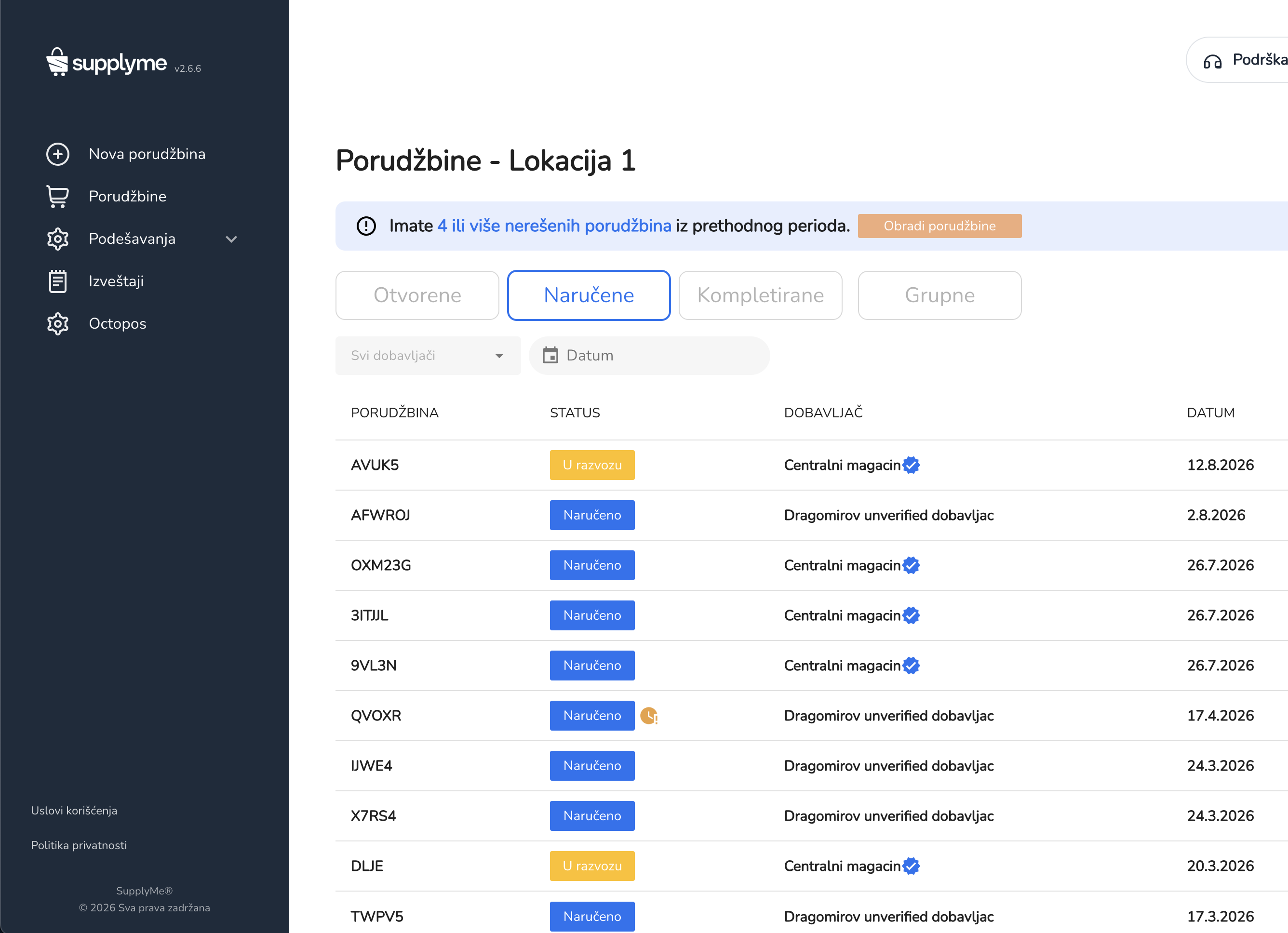
Software that knows what to order
- The stock level at the time you order — from the cash register, not from memory
- The last purchase price of each item, before you place your order
- The delivery note is posted to the cash register as soon as you receive the goods in SupplyMe — no waiting for the eInvoice and no manual entry
An order that itself becomes a document
- The customer's order comes directly into your program — no one is retyping it
- The delivery note and invoice are created from that order, with one click
- Each customer sees their own prices and rebates, and when creating an order, they can also see their balances and item availability — if you want.
How many times does one order get typed?
The customer sends a message on Viber, WhatsApp, email, SMS — or dictates orally. The commercialist then knocked on the group. Then someone from the office types it into the software: item by item, by hand. So he makes a dispatch note out of it. Well, the invoice. Five steps for one order — and someone can make a mistake in each one.
The client orders, the supplier accepts. In a few seconds, the order is in the software, with the correct code, quantity, agreed price and rebate. Shipping slip and invoice are one click away.
Time Returning
Order administration takes seconds instead of hours. People do what they are hired to do, not copy.
Errors that do not occur
Wrong quantity, wrong item, old price, wrong rebate — all these are caused by over-typing. When there is no typing, there are no such mistakes either.
Prices that are always accurate
The price and rebate come from bookkeeping, for each customer separately. No Excel spreadsheet that someone forgets to update.
Three integrations, both procurement sides
Two for vendor software, one for caterer software. It works with the program you already use — nothing to install, nothing to change how it works.

SMS Accounting
The order, delivery note and invoice are created automatically in SMS. Prices, code numbers and customer accounts payable are read into SupplyMe in real time.

Minimax
The order and invoice are created in Minimax when you accept the order. Items, prices and accounts payable per customer are reconciled in real time.

Octopos
Catering cash register connected to procurement: inventory status, purchase prices and packing slips without manual work.
Software that knows what to order
The bar manager opens the order and next to each item he sees how much is in stock — right from the cash register, not from the estimate. He also sees at what price it was last purchased, so he immediately knows if the new offer is good. When the goods are received in SupplyMe, the packing slip is instantly posted to Octopos — without waiting for the supplier to send an eInvoice and without someone manually entering it.
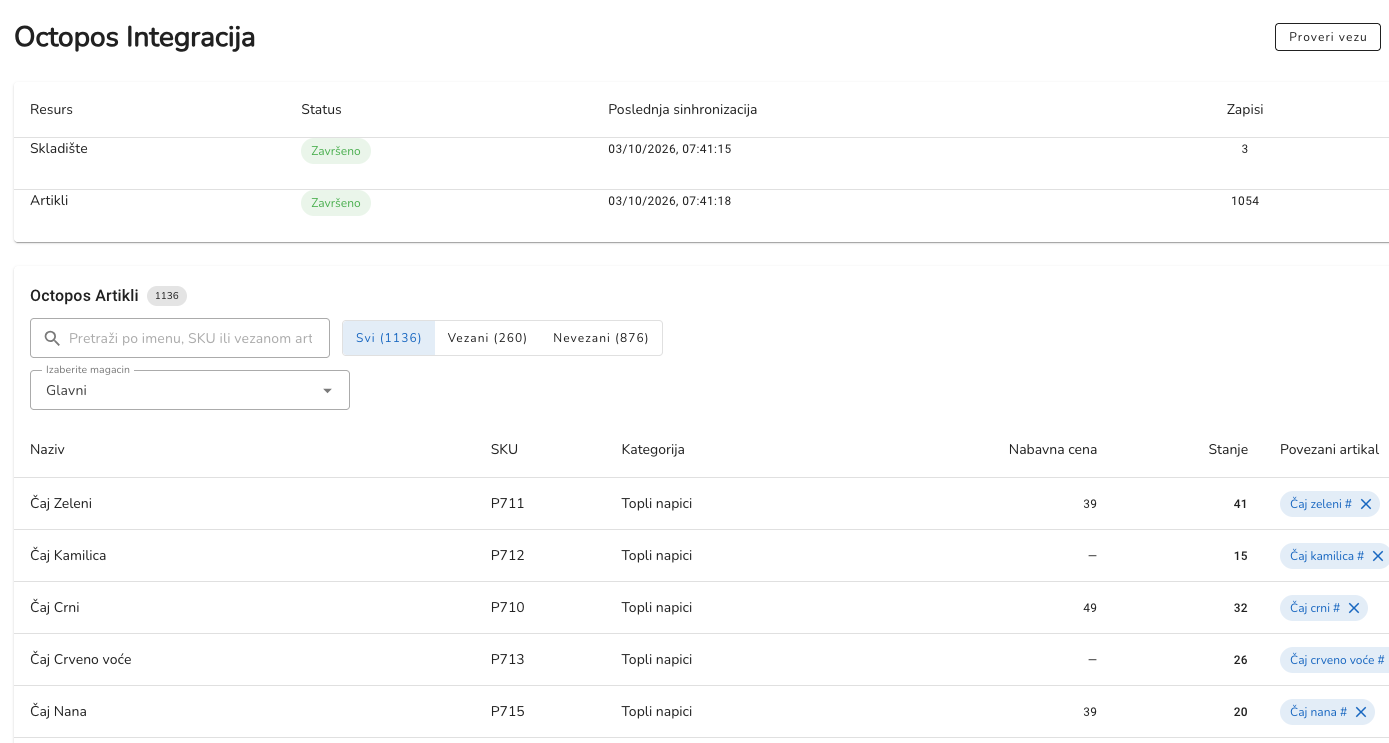
- No more walking to the warehouse before ordering
- No duplicate orders of what is already there
- There are no surprises when an invoice arrives with a different price
- Checkout balance is accurate the same day the goods come in, not a week later
An order that itself becomes a document
The customer places an order in the SupplyMe application. Your salesperson sees it, accepts it — and the order is already in the SMS as a purchase order. The delivery note and the invoice are created from it, with the codes that already exist in your code book and the prices that you have agreed with that customer.
- The commercialist does not rewrite the orders — he just approves them
- Each customer sees only his price list, with his rebates
- While taking the order, the salesperson sees if the customer is late in paying — without being a bookkeeper
- The order from "Kitchen — facility 2" goes to the right place in the books, not to the company headquarters
- You decide whether orders go to SMS automatically or only when you confirm them
- A rejected or canceled order is also canceled in SMS — without manual deletion
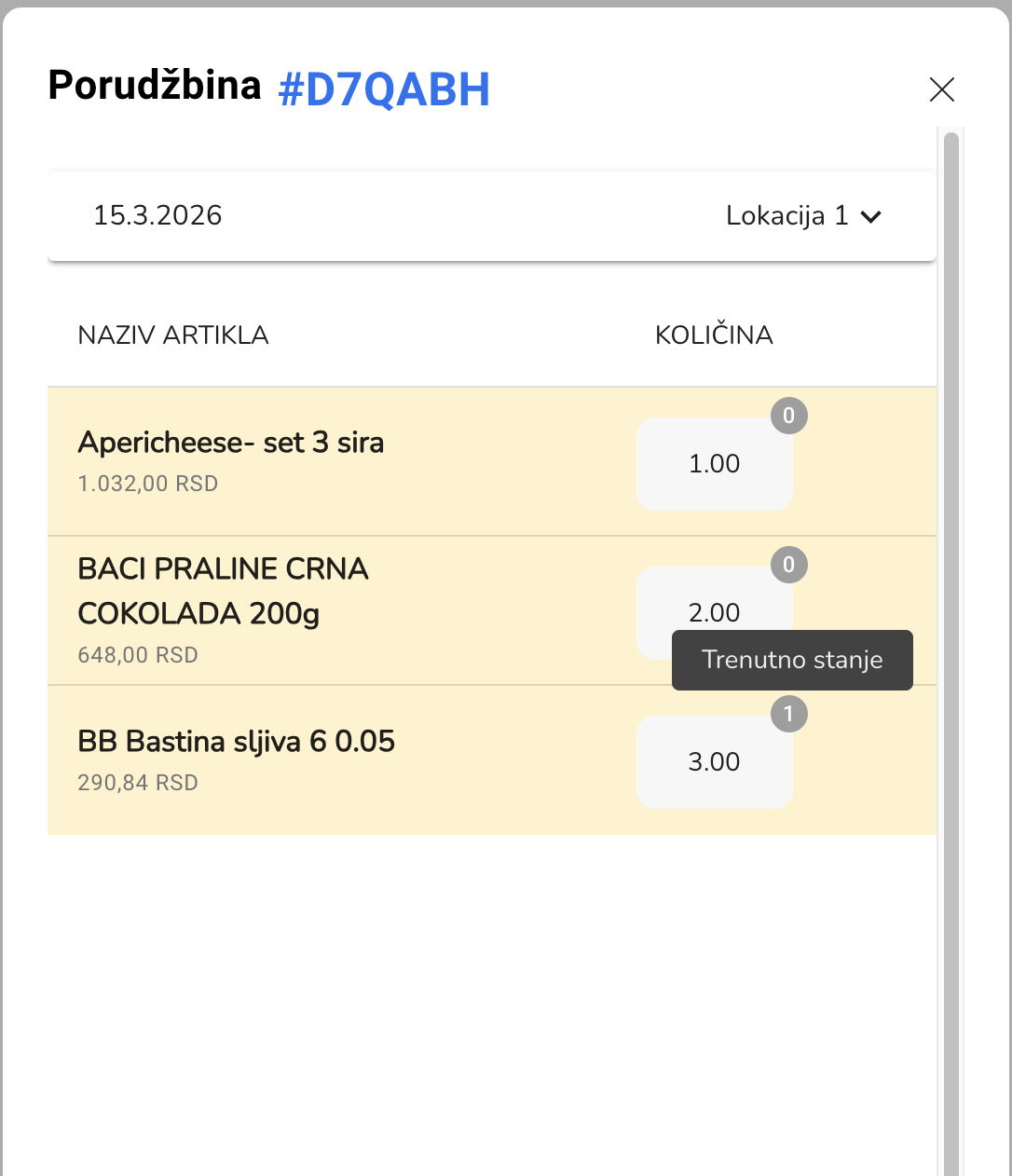
Same for Minimax.
Everything that works with SMS also works with Minimax — tailored to how Minimax manages documents. A customer's order becomes an order in Minimax immediately after acceptance in SupplyMe. Items, prices and accounts payable per customer are reconciled in real time, so the catalog in SupplyMe always matches what you have in your bookkeeping.
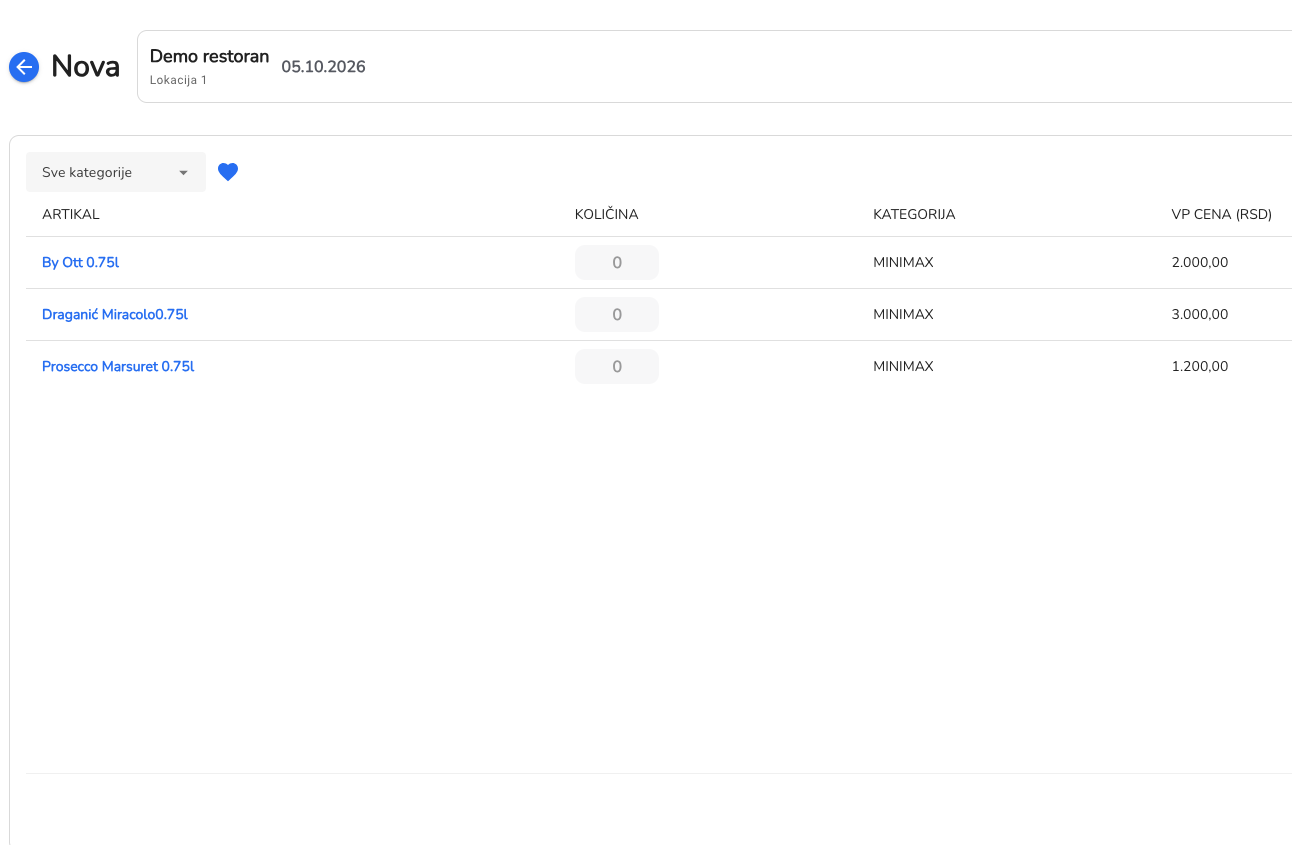
Your account, your password
You enter the access data yourself once. SupplyMe does not display them, and no one on our team has insight into them.
It also works with a large number of customers
A supplier with dozens of facilities works without slowing down and without additional costs according to Minimax.
Less administration, more accurate data
One entry instead of five
The customer's order is a document. The purchase order, delivery note and invoice are created from the same data.
Errors disappear
The code, quantity, price and rebate are transferred. What is ordered is exactly what is posted.
Prices excluding rituals
Each customer sees his own price. There is no spreadsheet to maintain and no customer seeing a price that does not belong to them.
The catalog creates itself.
The codebook is imported from the ledger once and refreshed every night — changes only.
You know who owes money.
Debt, due date and number of days overdue, twice a day. It can be seen while the order is being received.
Multiple locations, the right address
Each object of the buyer to its place in the books, not to the headquarters.
What if the bookkeeping doesn't work?
Your program is slow, the server went down over the weekend, the internet went down — orders are not lost. SupplyMe stores and sends them as soon as the system is up and running, retries up to seven days, and never creates a double invoice. During that time, the customer sees your latest price list, not a blank screen. And for every order there is a trace: when it was sent, when it arrived, when it was registered.
Onboarding takes an afternoon, not a month
Nothing is installed for you, the way you use your program or checkout is not changed, and the integration can be turned off without losing data.
In the SupplyMe Integrations screen, for your company.
Alone, once. SupplyMe does not show them back.
The codebook and prices are imported, the orders go to the bookkeeping themselves.
Don't see your program?
Connecting a new accounting system is a familiar business for us, not a new project. Let us know what you use.
